
Favicon: What It Is and Why You Should Use a Favorite Icon
The favicon is the site's small icon that appears in browser tabs and in Google results. Sizes and formats, the code, WordPress, Google's requirements and what to do if it doesn't show.

Eugenio Tommasi
Founder of SEO SRL
Published 6 min read

The favicon (favorite icon) is the small icon associated with a website, declared in the head with rel="icon", that appears in browser tabs, bookmarks and next to the site name in Google search results.
Table of contents (8 sections)
The favicon (short for favorite icon) is the small square icon that represents a website. You declare it in the page's head with a <link rel="icon"> element.
What a favicon is and where it appears
It is usually a reduced version of the logo, or part of it. It shows up in:
- browser tabs, next to the page title, where the icon looks very small: check it at 16 x 16 pixels (32 x 32 on high-density screens);
- bookmarks and history;
- Google results, next to the site name: on mobile since May 2019, then on desktop a few months later;
- smartphone Home screens, when someone saves the site as a shortcut: on iPhone the icon declared with
apple-touch-iconis used.
A short history of favicons
The favicon first appeared with Internet Explorer 5 in 1999: the file had to be named favicon.ico and sit in the site's root folder. Today neither the fixed name nor the folder is needed: you declare the icon in the head.
Sizes and formats
There is no single size: the same icon is displayed in different contexts. These are the reference points that matter.
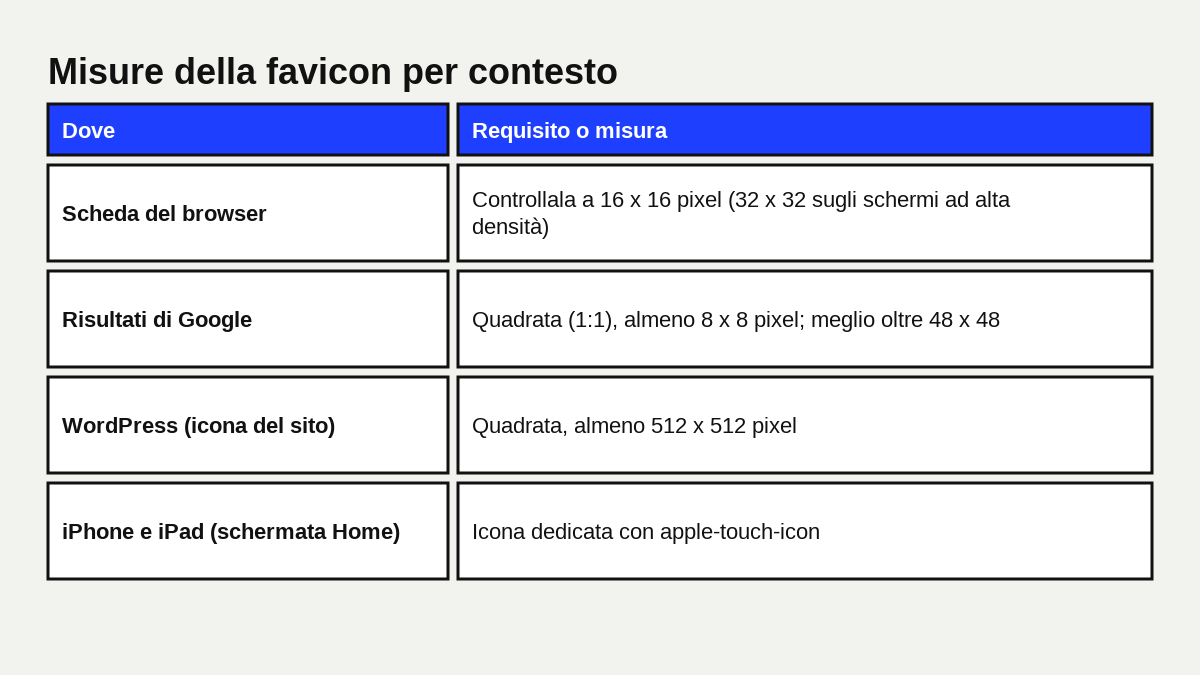
| Where | Requirement or size | Source |
|---|---|---|
| Browser tab | It looks very small: check it at 16 x 16 pixels (32 x 32 on high-density screens) | Practical tip |
| Google results | Square (1:1), at least 8 x 8 pixels; better above 48 x 48 | Google Search Central |
| WordPress (site icon) | Square, at least 512 x 512 pixels | Learn WordPress |
| iPhone and iPad (Home screen) | Dedicated icon with apple-touch-icon | MDN |
Here's what I do: I draw the icon large and square, then create the small versions, checking that it still reads clearly at 16 pixels.
As for formats, Google lists BMP, GIF, ICO, PNG, JPEG, PPM and TIFF. The classic is .ico, which can hold several sizes in a single file; .png and .gif work too. .svg scales without losing quality but is not on Google's list of formats: if you use it, always keep an .ico or .png as well.
How to add the favicon to your site
With HTML
Upload the files to your site and declare them in the head of every page, or at least of the home page:
<link rel="icon" href="/favicon.ico" sizes="32x32">
<link rel="icon" href="/icon.svg" type="image/svg+xml">
<link rel="apple-touch-icon" href="/apple-touch-icon.png">
If there are several icons, the browser picks the most suitable one based on the type, sizes and media attributes. The old rel="shortcut icon" form is an earlier version of icon: Google still supports it for historical reasons, but today you use rel="icon".
With WordPress
WordPress calls it the Site Icon: you upload it from the Customizer, in the Site Identity section, using a square image of at least 512 x 512 pixels. WordPress generates the smaller versions and the head code on its own.
After the change, clear your site cache and your browser cache: favicons stay in memory for a long time, and "it doesn't change" often just means "you're still seeing the old one."
How to get your favicon to show on Google

The requirements, as a checklist, come from Google's favicon page, updated on September 11, 2026.
- The favicon is declared on the home page with a link element:
rel="icon",apple-touch-icon,apple-touch-icon-precomposedorshortcut icon. The file can also live on a CDN. - Googlebot-Image can crawl the favicon file and Googlebot can crawl the home page: neither is blocked in robots.txt.
- The icon is square, at least 8 x 8 pixels, ideally above 48 x 48.
- The file URL is stable and doesn't change often.
- The icon represents your brand and is not inappropriate: hate symbols or pornographic images are replaced with a default icon.
Google shows only one favicon per hostname: a subdomain like shop.example.com can have its own, while a subfolder like example.com/shop uses the one from the domain's home page. After a change, it can take anywhere from a few days to several weeks; to speed things up you can request a new crawl of the home page with the URL Inspection tool in Search Console, as I describe in the guide on how to index your site. Even when everything is in order, it is not guaranteed to appear.
Why your favicon doesn't show on Google
| Symptom | Likely cause | What to do |
|---|---|---|
| Generic icon (grey globe) | Favicon missing from the home page or file unreachable | Check the home page source code and open the file URL |
| Generic icon despite correct code | File or home page blocked in robots.txt | Unblock Googlebot-Image and Googlebot |
| Old icon after the change | Google hasn't reprocessed the home page yet | Request a crawl of the home page and wait a few weeks |
| Distorted or missing icon | Image not square or too small | Republish a 1:1 file larger than 48 x 48 |
| Different icon in a subfolder ignored | Only one favicon per hostname | Use a subdomain if you need a different icon |
Does the favicon matter for SEO?
It is not a ranking factor: a site without a favicon doesn't drop in position, but it appears in the results with a generic, less recognizable icon. Its value lies in recognizability: on a results page full of blocks, a clear icon helps people who already know you choose you. There is no public data measuring the effect of a favicon on clicks, though, and I'd be wary of anyone who promises one.
The "penalties" people talk about affect the icon, not the site. On May 27, 2019, just days after favicons arrived in mobile results, Google began replacing inappropriate ones with the default icon: among the replaced icons was one from an extremist group that used a Nazi symbol. SEO consultant Bill Hartzer tried using the Google Ads favicon as his own, to see what would happen, and Google replaced it with the default one. His rankings did not appear to change. To get your own favicon displayed again, simply replace it with a compliant one and wait for a new crawl.
How to design a favicon that works
- Keep it simple: at 16 pixels, a logo with text turns into a blur. A symbol or one or two letters works better.
- Contrast: tabs can be light or dark. Check the icon on both backgrounds, or use a solid fill.
- Fill the square: no huge transparent margins, or the icon will look tiny next to the others.
- Consistency: the same brand colors, and the same icon across your site, social profiles and Google Business Profile.
- Test it in practice: open it in a tab among ten others and look at it in search results on a smartphone.
The favicon is a basic check in any technical analysis and takes a few minutes to fix. To understand how Google reads and displays your site, read how search engines work and the guide to the SERP; for the basics, what SEO is. Set your priorities with a professional SEO audit.


